Floating video and chat window
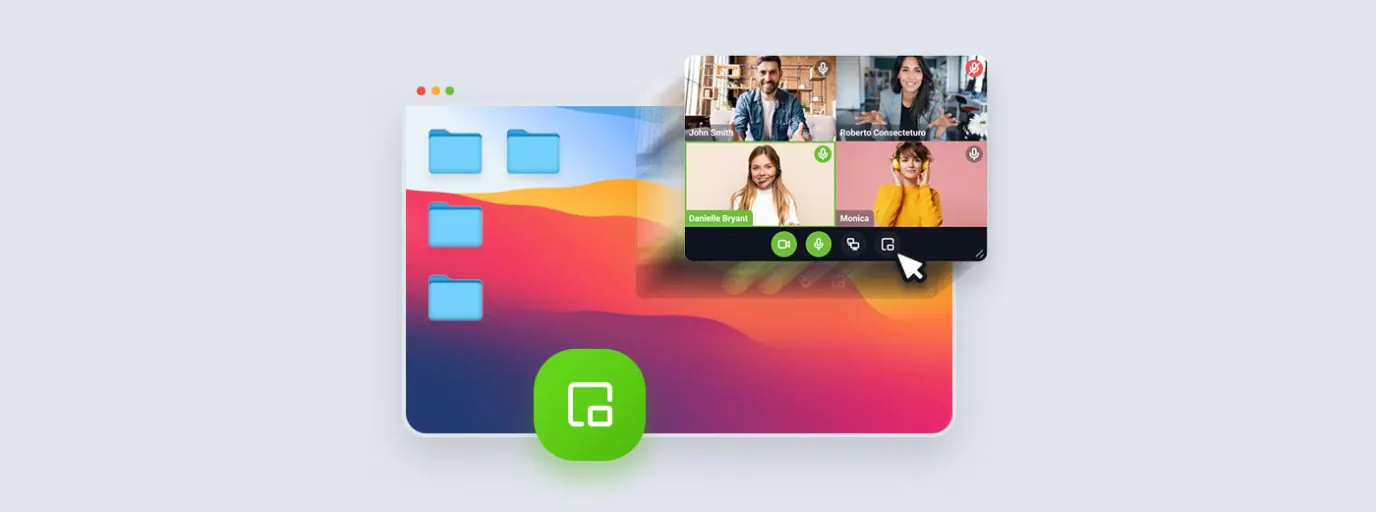
During your events, you will benefit from picture-in-picture and floating chat functions. In the screen sharing mode, the video window and chat will be automatically unpinned, so you can conveniently share knowledge and stay in touch with your audience.
You can pin or unpin the windows as needed at any time.

When sharing the screen, you will see a floating video and audio window and chat at all times without the need for an additional monitor. You can move them freely to simultaneously, for example, see the shared material and the attendees in the meeting, watch the chat discussion, or use other programs or browser tabs during the event without worrying about losing contact with other attendees.
For more information about the floating window, visit this page.