Image quality in screen sharing mode
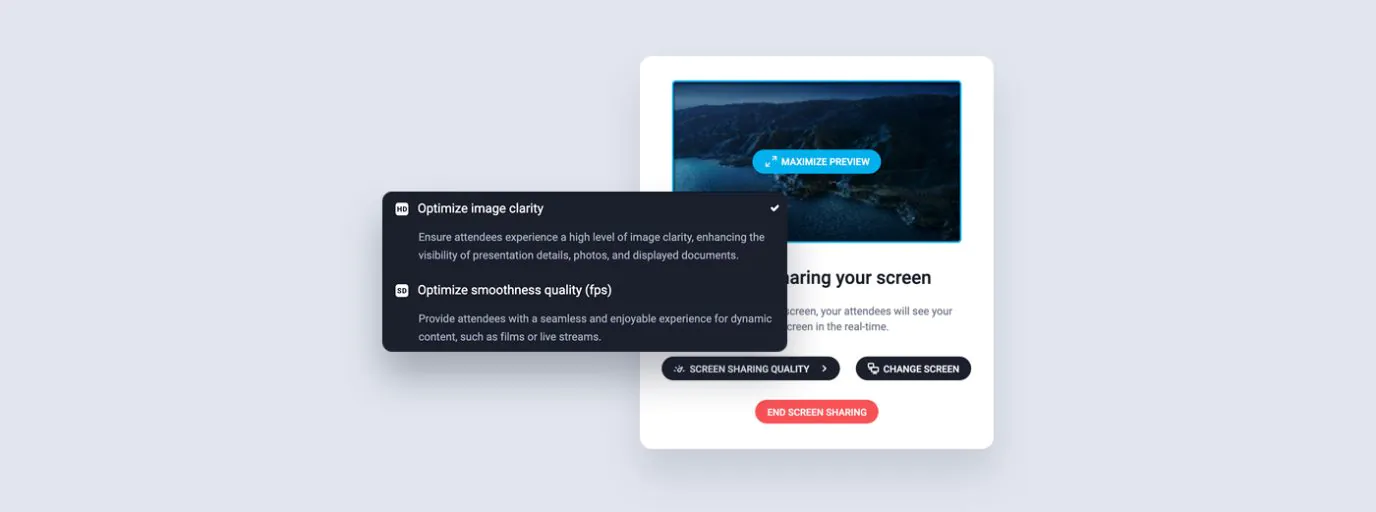
You get to decide whether you want higher image quality or smoothness in screen-sharing mode. With just a few clicks, you can switch between these settings. You can adjust the screen sharing mode to the content you are showing:
- Sharpness optimization will come in handy if you want maximum image quality – for example, when showing static documents.
- Smoothness optimization will work well when you’re showing dynamic content, such as animations or recordings