Having webinar attendees take the floor and turn on the camera
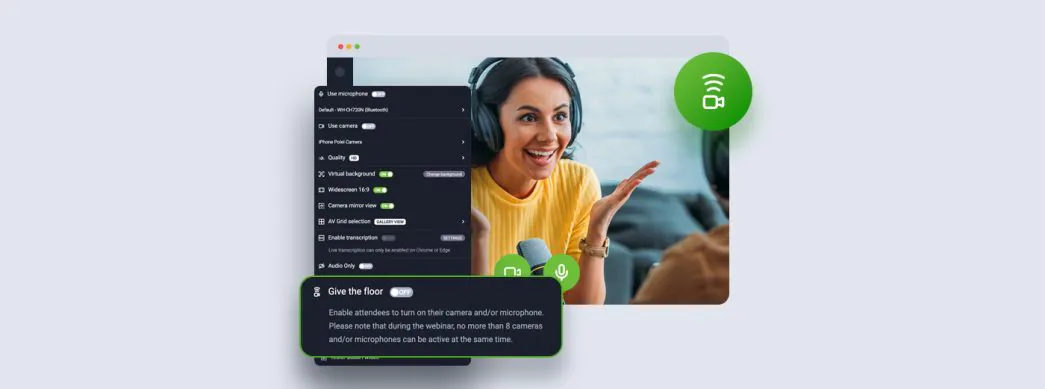
Want to let your webinar attendees turn on the camera and speak up to ask a question or participate in a discussion? “Give a floor” feature will allow you to do this with just a few clicks. Q&A sessions can be even more engaging!
When you turn it on, presenters and attendees will be informed that they can turn on their cameras and microphones and will be able to do so. Remember that up to 8 audio and video streams can be turned on simultaneously in webinar mode, including presenters.
You’ll learn more here.